AI Translation Comparison For Legal Contracts: 6 Tools for Legal Teams
Published Thu Nov 19 2026 | 11 min read
Use this ai translation comparison for legal contracts to match file workflows, terminology controls, review needs, and privacy checks to your team.
For an ai translation comparison for legal contracts, start with the file workflow: Google Cloud Translation, Microsoft Azure AI Translator, and Amazon Translate are cloud-service options for teams prepared to configure a technical workflow; SYSTRAN Translate and Language Weaver are business-oriented alternatives to assess with their vendors; InOtherWord.AI is a document-focused option for common office files and PDFs. None should be treated as a substitute for legal review. I compare them on file handling, terminology controls, implementation effort, and commercial model; the right choice depends on your document types, systems, and approved handling terms.
This is a shortlist for legal teams translating contracts, amendments, exhibits, or court documents—not a claim that any vendor is approved for confidential material. Product capabilities, available plans, and vendor terms can change. Where a product’s public information does not establish a specific capability, I flag that gap rather than assume it is present.
1. Google Cloud Translation
Best fit and trade-offs
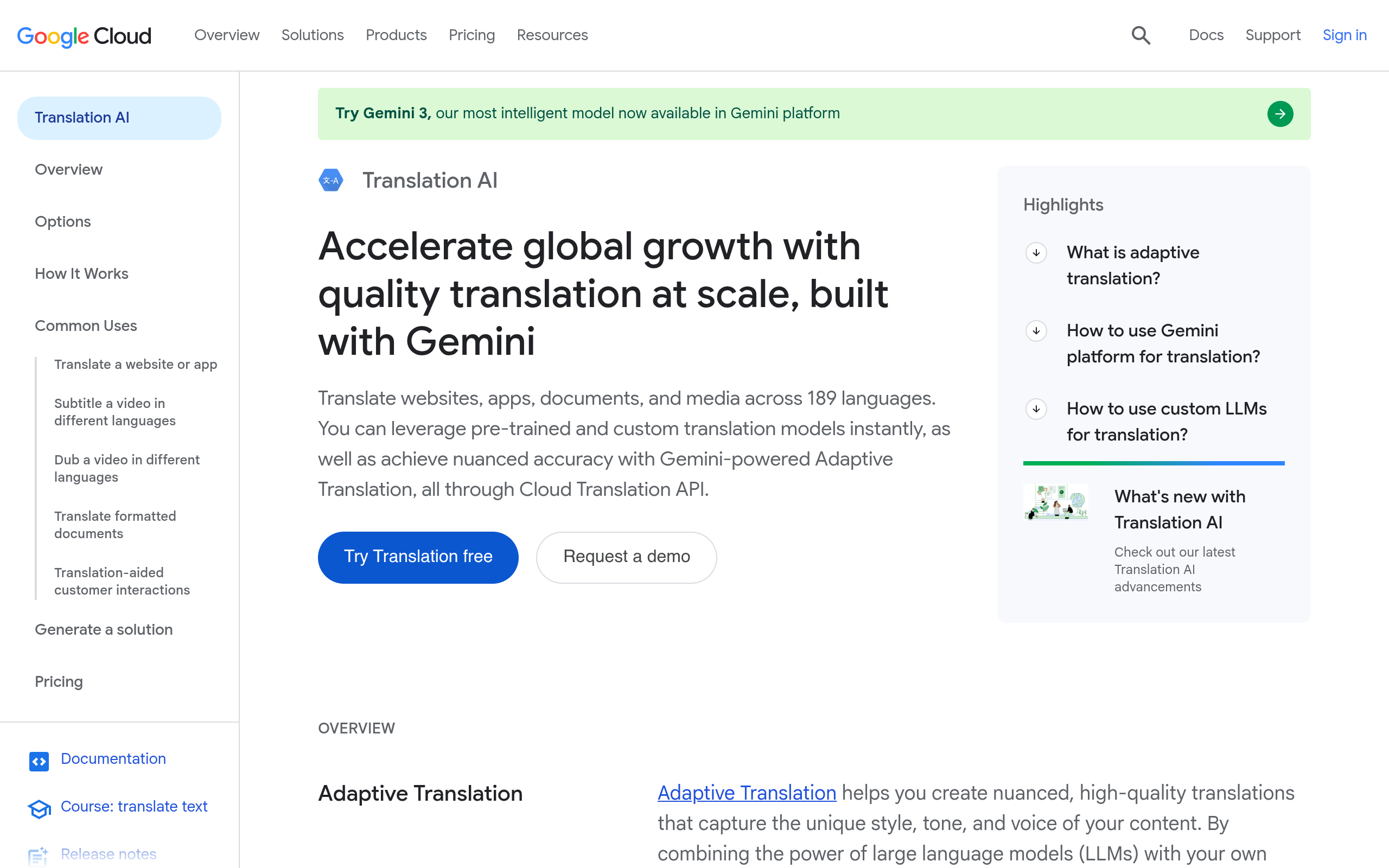
Google Cloud Translation is worth assessing when the legal operations or engineering team can build a repeatable document-translation pipeline. Its Advanced document workflow accepts supported office-file and PDF formats; Google documents the supported formats and document-translation process in its document translation guidance. That makes it a practical candidate for batches of editable agreements, but it does not by itself establish that a scanned or image-only PDF is ready for translation. For a scanned exhibit, plan for OCR or another text-extraction step and test whether the extracted text preserves clause numbering and tables. For a simpler file workflow, see our guide to translate PDF documents.
Google also documents glossary support for controlling preferred terminology. That can help a team check recurring terms such as defined party names or a chosen rendering of “best efforts,” but a glossary is not a legal rule engine: it will not resolve a term whose meaning depends on a particular clause. Review its glossary documentation alongside a representative contract before relying on it.
Verdict
- Best for: Teams able to connect a cloud translation service to an established document process.
- Implementation burden: Higher than a simple file-upload workflow; expect configuration and testing by someone comfortable with cloud services.
- Commercial model: Google publishes usage pricing; confirm the current billing basis and estimate against your document volumes on its pricing page.
- Does not suit: A legal team that needs a ready-made, nontechnical workflow or assumes glossary matches guarantee legally equivalent terms.
- Standout: A documented document-translation route plus a separate glossary mechanism.
2. Microsoft Azure AI Translator
Best fit and trade-offs
Azure AI Translator is a candidate for organizations already operating document processes in Azure. Microsoft’s Document Translation overview describes translation of files while retaining document structure, and explains the service’s document workflow. That makes it relevant when the job is translating a contract file rather than feeding isolated sentences into a text box. It does not remove the need to inspect the translated output: check tables, footnotes, headers, defined terms, and cross-references in the actual file format your team uses.
The operational trade-off is cloud setup. A team must understand the service configuration and the document handoff, then test the workflow with its own formats and controls. Microsoft publishes a commercial pricing page for the service; compare the current terms with your projected use rather than assuming the cost of a short sample reflects a full matter. The product page alone does not establish that your organization’s required retention, access, or contractual terms are satisfied.
Verdict
- Best for: Legal operations teams whose existing cloud workflow makes an Azure-based service practical to evaluate.
- Implementation burden: Moderate to high if the team must build or maintain a document-processing workflow.
- Commercial model: Check the current service-specific charges and conditions on Microsoft’s pricing page.
- Does not suit: Teams seeking a fully managed legal review process or a promise that translated layout will be perfect for every contract.
- Standout: A documented file-translation workflow, rather than translation limited to pasted text.
3. Amazon Translate
Best fit and trade-offs
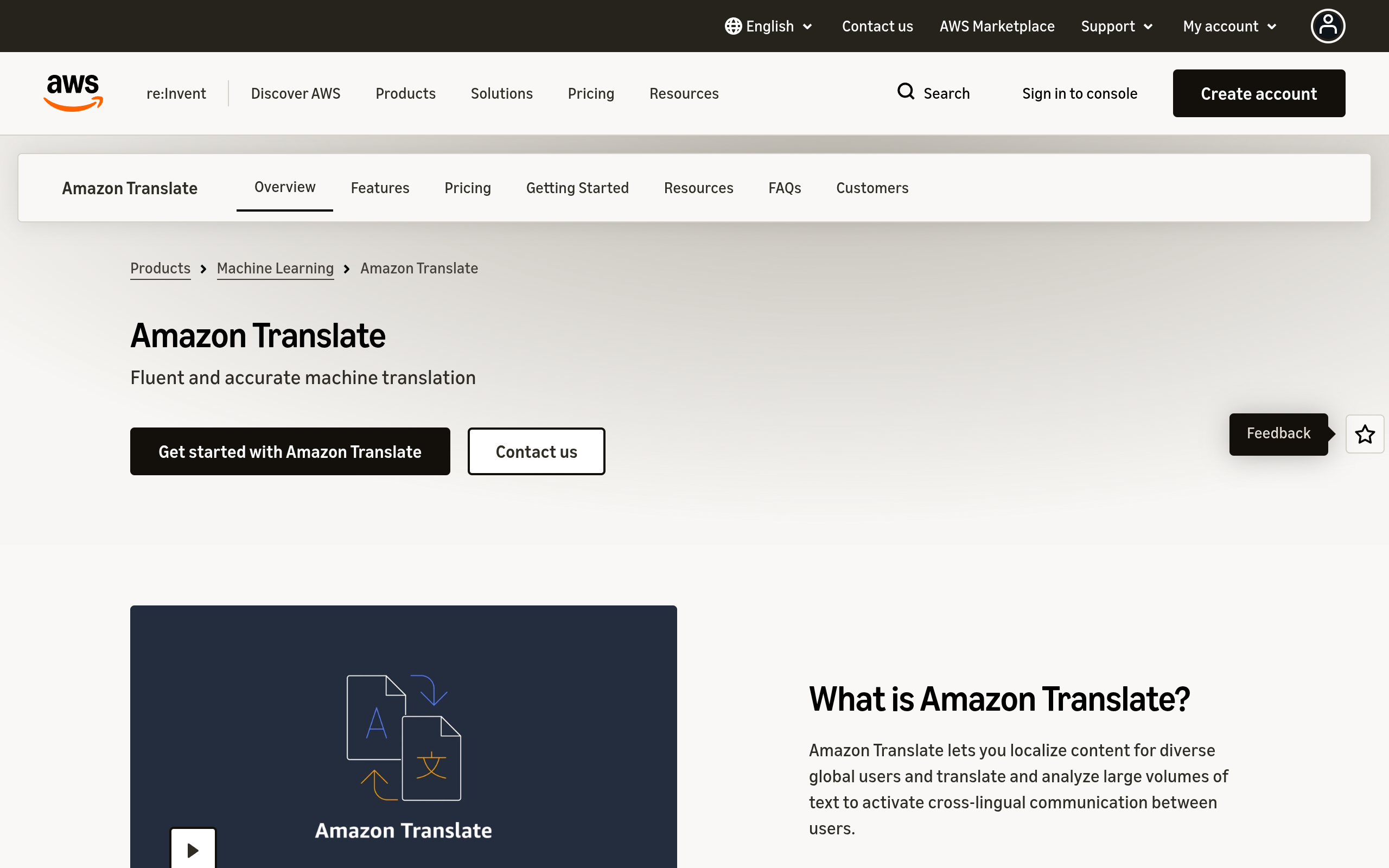
Amazon Translate is a cloud machine-translation service to consider when a team can support an AWS-based workflow. AWS documents asynchronous batch translation and the use of custom terminology in its custom terminology guidance. The terminology feature gives teams a route to specify preferred translations for recurring terms; it does not determine whether a clause has been translated with the correct legal effect. Validate the term list against the source and target language pair, and test how a term behaves in context before using it across a matter.
For legal documents, distinguish the translation service from the surrounding file pipeline. The team still needs to establish how documents enter and leave the workflow, how outputs are checked, and how access and retention are governed under its AWS arrangements. This is a more technical option than handing a file to a standalone document service. AWS publishes service pricing, so estimate usage from the current Amazon Translate pricing page rather than relying on a generic per-document assumption.
Verdict
- Best for: Teams already equipped to operate AWS workflows and seeking terminology controls for recurring translations.
- Implementation burden: High if the organization has no existing AWS process for document ingestion, translation, and output review.
- Commercial model: Usage-based service pricing; check current rates and the applicable service terms.
- Does not suit: A lawyer who needs to translate a file immediately without technical setup or a reviewer for the resulting text.
- Standout: Custom terminology is documented as a distinct control, not a replacement for contextual legal review.
4. SYSTRAN Translate
Best fit and trade-offs
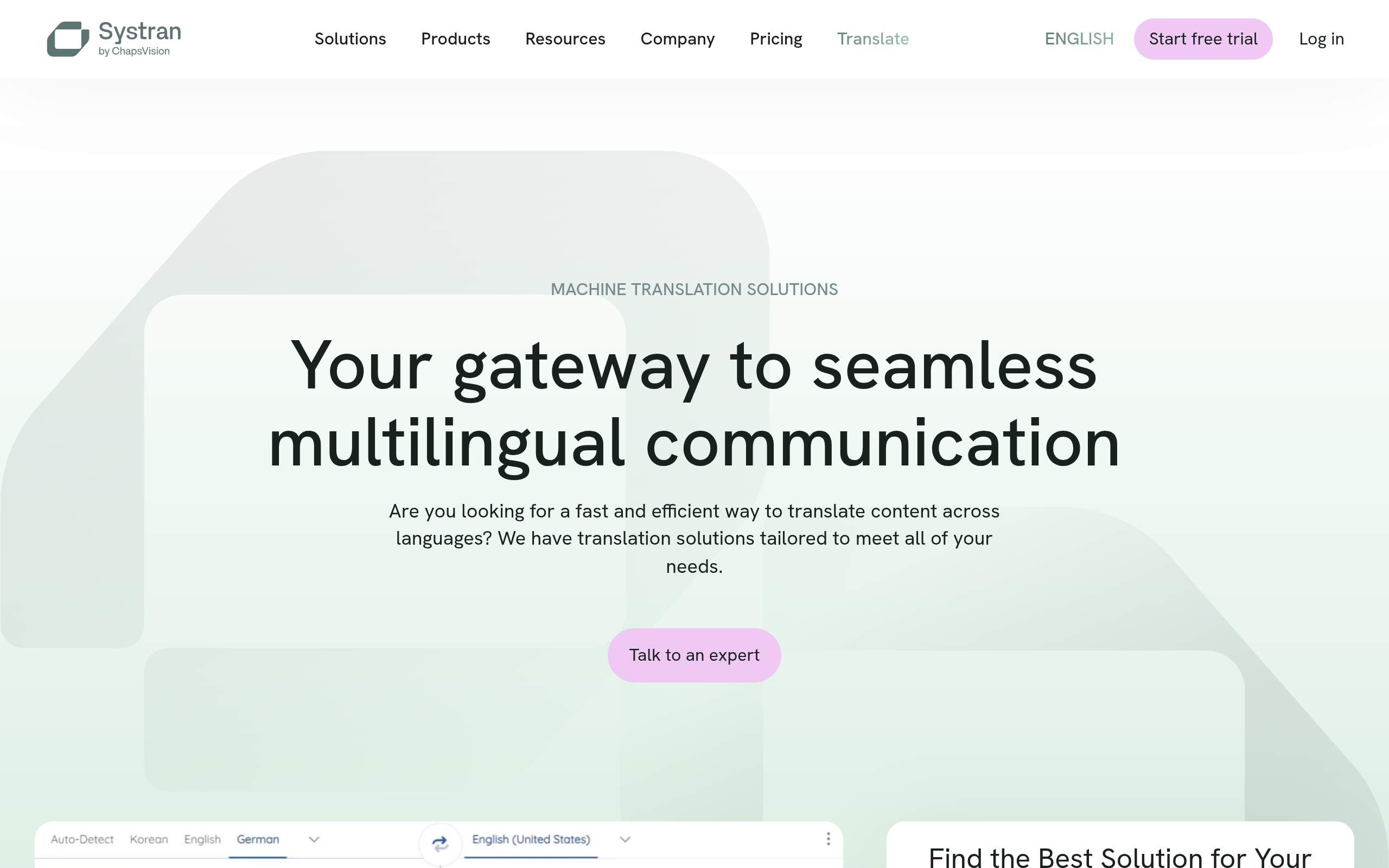
SYSTRAN Translate is a business-oriented machine-translation option to shortlist when an organization wants to evaluate a dedicated translation provider rather than assemble its own cloud-service workflow. Its official product site establishes the provider and translation product, but the public information cited here does not establish a specific contract-file format, terminology workflow, deployment model, or plan for your use case. Treat those as procurement questions, not assumed features: request a demonstration using a representative agreement and ask the vendor to show how preferred terms are applied and how the result is exported.
Implementation effort depends on the product configuration and connection to your existing document process; the available public evidence here is not enough to characterize it as either a simple upload tool or an integration-heavy platform. Likewise, I cannot substantiate a current price or pricing structure from the cited product page. Ask for the applicable commercial proposal and review the governing information-handling terms before entering confidential content.
Verdict
- Best for: Teams willing to assess a dedicated translation vendor through a contract-specific procurement review.
- Implementation burden: Unclear from the cited public product information; require a workflow walkthrough before selecting it.
- Commercial model: Confirm the current plan or quote directly with the vendor; do not assume a particular subscription or usage fee.
- Does not suit: Buyers who need documented evidence of particular file formats or legal terminology controls before speaking with a supplier.
- Standout: A distinct provider to evaluate, with important contract-workflow details still requiring confirmation.
5. Language Weaver
Best fit and trade-offs
Language Weaver, from RWS, is another business translation platform for teams to assess when translation needs extend beyond one-off files. RWS describes the product on its Language Weaver page. The evidence linked here does not specify which contract formats, terminology controls, or deployment arrangements are included in a particular offering. For a legal department, ask for a demonstration that follows a real workflow: source file, translation, terminology handling, reviewer changes, and final export. That sequence reveals more than a general claim about machine translation.
Implementation and commercial effort may depend on the selected configuration and organizational requirements; the cited page does not establish a single setup burden or price for every buyer. Treat procurement as part of the evaluation. In particular, establish whether the proposed service can meet your organization’s data-handling terms and whether its translation output fits your review process. If a supplier cannot document an essential control, that is a reason to pause—not a gap to fill with assumptions.
Verdict
- Best for: Teams comparing enterprise translation platforms and prepared to assess a vendor proposal against their document workflow.
- Implementation burden: Confirm in a product walkthrough; it is not established by the general product description alone.
- Commercial model: Request current pricing and terms for the intended configuration.
- Does not suit: Teams that need publicly documented answers to file-format and terminology questions before engaging a vendor.
- Standout: A separate enterprise option to include in a structured procurement comparison.
6. InOtherWord.AI
Best fit and trade-offs
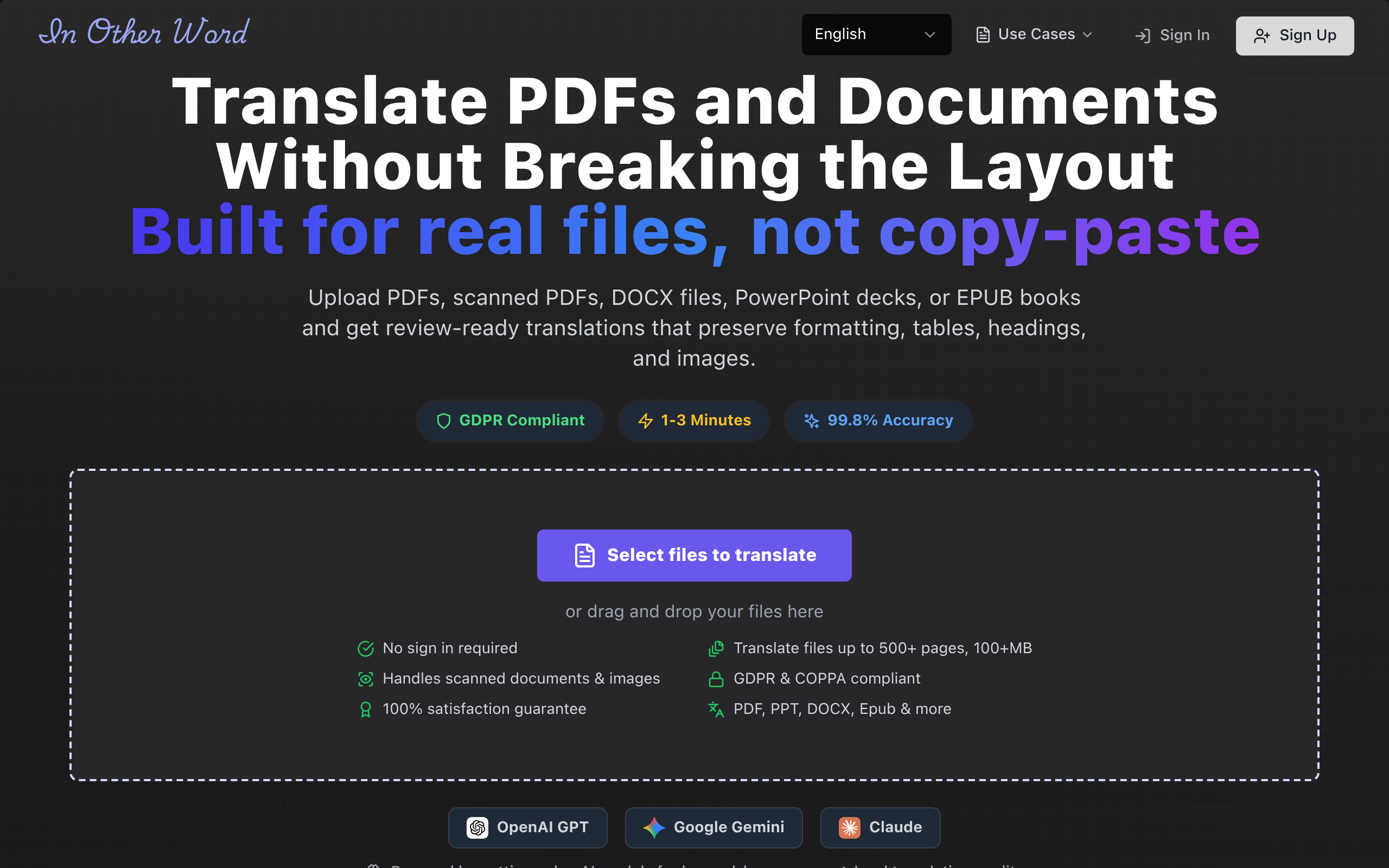
InOtherWord.AI is a document-translation platform for common business and publishing formats, including PDFs, scanned PDFs, DOCX files, PowerPoint presentations, and EPUB books. Its stated capability is to translate those documents while preserving formatting, layout, tables, and images. That makes it relevant when the legal team’s immediate problem is handling a file rather than building a translation API workflow. For scanned exhibits, OCR is part of the decision: review whether text extraction has correctly captured stamps, signatures, marginal notes, and small-print clauses. The dedicated guide to translate scanned PDFs is relevant to that file type.
The platform’s stated document focus suggests a different implementation path from cloud APIs, but the evidence provided for this comparison does not establish all workflow details, information-handling terms, or current pricing. Verify those points before uploading a contract. In particular, ask how the service handles confidential source files and translated outputs, and test a document with the same layout complexity as the work at hand. It is not a legal review system, and preserved layout does not establish that legal meaning or cross-references are correct.
Verdict
- Best for: Teams whose main need is translating PDF, scanned PDF, DOCX, PowerPoint, or EPUB files while retaining document structure.
- Implementation burden: Potentially lighter than building an API workflow if the file-based process fits; confirm the exact handoff and review steps.
- Commercial model: Current pricing is not established by the supplied business evidence; verify it before choosing.
- Does not suit: Organizations requiring a verified security or retention commitment, or automated legal validation, without first confirming those requirements.
- Standout: The stated focus on translating document files while preserving layout elements.
Comparison
Use this table to narrow the shortlist, not to infer legal suitability. “Confirm” means the evidence cited above does not establish the detail for your intended plan or workflow. A file-format match is only a first screen: the translated text still needs linguistic and legal review.
| Option | File workflow | Terminology or review control | Setup and commercial model |
|---|---|---|---|
| Google Cloud Translation | Document translation for supported formats, including PDFs and office files | Documented glossary support; human legal review remains separate | Cloud configuration; published usage pricing |
| Microsoft Azure AI Translator | Document Translation service for files; test your actual formats | Review output in the source layout; confirm any terminology needs | Azure workflow setup; consult current service pricing |
| Amazon Translate | Cloud translation workflow; plan file handling and batch process | Custom terminology documented; legal review remains separate | AWS workflow setup; published service pricing |
| SYSTRAN Translate | Confirm supported contract files and export workflow | Confirm terminology controls and reviewer workflow | Confirm implementation and current commercial model |
| Language Weaver | Confirm supported contract files and proposed workflow | Confirm terminology controls and reviewer workflow | Confirm configuration effort and proposal terms |
| InOtherWord.AI | Stated support for PDF, scanned PDF, DOCX, PowerPoint, and EPUB | Check text extraction and review the translated output | File-focused platform; confirm current pricing and workflow details |
How to choose for a contract workflow
Run a controlled sample before choosing
Choose a sample that exposes the risks in your actual workload, not just a clean opening page. For example, an illustrative test set could include one editable agreement with defined terms, one scanned exhibit with a table, and one amendment that relies on section references. This is a starting policy, not a universal sample size. Keep the source and output together, and have a qualified reviewer check whether the translation preserves meaning, structure, and references.
- Test layout: Compare clause numbering, tables, footnotes, headers, and page breaks against the source.
- Test terminology: Choose a few recurring defined terms and review each use in context, not only whether a preferred word appears.
- Test scanned text: Check names, dates, amounts, negations, and handwritten or stamped content against the original image.
- Test reviewability: Confirm that a lawyer or language reviewer can identify and correct consequential errors in the output.
Make confidentiality a procurement gate
Before submitting a live agreement, review the vendor’s applicable terms and your organization’s requirements. Ask specifically about data retention and deletion, who can access submitted documents, whether content is used to improve services, storage location if relevant to your policy, and the contract terms that govern each point. Do not infer an answer from a product’s marketing description or from the fact that a service is designed for businesses. If the supplier’s documentation or contract does not answer a required question, hold back sensitive documents and ask for written clarification.
Then match the implementation to the team. A cloud API can make sense when technical staff can own the pipeline, access controls, and output checks. A document-oriented workflow can be more suitable when the immediate task is translating files, provided it supports the formats and information-handling requirements the organization needs. A vendor-led enterprise evaluation may be appropriate when procurement requires a documented proposal, but it should still be judged against the same sample and review criteria.
Practical recommendation: shortlist one tool that fits your file workflow and one alternative that fits your organization’s existing systems; run both through the same sample and contract review. InOtherWord.AI offers document translation for common office files and PDF types; review the relevant file workflow and confirm pricing and information-handling terms before using it for legal material. See InOtherWord.AI.
Authored with NotFair SEO
Related guides
Keep researching the right workflow
These pages help move from general document-translation research into the specific file format or workflow you need.
A practical workflow for translating scanned PDFs with OCR while preserving enough structure for real review, sharing, and downstream editing.
Explore pageHow to translate PPT and PPTX decks without breaking slide layouts, charts, and speaker-ready formatting.
Explore pageThe best AI PDF translator is not just about language quality. It also needs OCR, layout preservation, and reviewable output for real files.
Explore pageCommercial pages
Ready to translate the actual file?
Jump from the guide into the product page that fits your document type, then continue into pricing when you are ready.
Format page
Translate PDF Documents
Translate PDF files while preserving layout, tables, and page structure.
Explore pageFormat page
Translate Scanned PDFs
OCR and translate scanned PDFs without rebuilding the layout by hand.
Explore pageFormat page
Translate PowerPoint Presentations
Translate PPT and PPTX decks while preserving slide layouts, tables, and speaker-ready formatting.
Explore pageTranslate layout-heavy PDF reports, manuals, forms, and client-ready files while keeping tables, headings, and images readable.
Explore page