7 Document Translation Services for PDFs, Office Files, and Books
Published Thu Sep 17 2026 | 14 min read
Compare 7 document translation services for legal, research, business, and publishing teams by file support, workflow, pricing model, and risk.
Document translation services are not interchangeable: self-serve document platforms suit teams that need a translated file quickly, cloud APIs suit developers processing documents in a system, and human services suit high-consequence text that requires review. This comparison evaluates seven established options for legal, research, business, publishing, government, healthcare, and education teams using file and layout support, translation control, implementation burden, commercial model, and review risk. For a one-off PDF or DOCX, start with a document-focused platform; for recurring automated volumes, shortlist an API; for a contract, court filing, or patient-facing publication, plan human review regardless of the engine.
How these document translation categories differ
“Translation service” can describe three different buying decisions. A document-focused AI platform accepts finished files and returns translated files. A cloud translation API is infrastructure: your team supplies the upload, authentication, storage, workflow, and quality controls. A human or managed language service adds linguists, review, terminology work, or project management.
- Document platforms: best for legal teams translating a batch of contracts, researchers converting papers, or educators preparing course files without building software.
- Cloud APIs: best for a product, archive, case-management system, or internal workflow that repeatedly translates documents under programmatic rules.
- Human language services: best when legal effect, regulatory wording, publication quality, or reputational risk makes machine-only output unacceptable.
Evaluate a service with a representative file set rather than a marketing demo. Include a text PDF, a scanned PDF, a DOCX with tracked changes, a presentation with charts, and a long EPUB if books are part of the job. Measure meaning accuracy, layout survival, terminology consistency, and the percentage of pages needing manual repair. The practical question is not “Which engine is smartest?” but “What work remains after the translated file arrives?”
1. Google Cloud Translation
For current product details, see the official Google Cloud Translation website.
Best fit and operating model
Google Cloud Translation is an API-oriented choice for engineering teams that need translation embedded in a larger application or batch process. Its documented document-translation workflow is aimed at sending supported files through Google Cloud rather than opening a consumer upload screen; review the current [official document translation documentation](https://cloud.google.com/translate/docs/document-translation/overview) for supported formats, options, and workflow requirements.
It can make sense for a university repository, multilingual knowledge base, or business process that already uses Google Cloud. The implementation burden is high for nontechnical teams: someone must handle cloud credentials, file storage, source and target language selection, job status, error handling, output retrieval, and access controls.
Commercial and quality trade-offs
- Best for: developers automating recurring translation jobs inside an existing cloud environment.
- Does not suit: a legal assistant who needs to upload a difficult PDF and receive a polished, layout-preserved deliverable without engineering support.
- Standout: an established cloud translation route with documentation for programmatic document workflows.
The commercial model is generally usage-based cloud billing, but the current account, region, feature, and quota terms must be verified before budgeting. The API output should be treated as a draft unless your workflow adds terminology checks and human review. It is a poor fit when the buyer cannot estimate usage, administer cloud permissions, or accept responsibility for assembling the surrounding document workflow.
2. Microsoft Azure AI Translator
For current product details, see the official Microsoft Azure AI Translator website.
Best fit and implementation burden
Microsoft Azure AI Translator is another infrastructure-first option for organizations already governed through Azure. Microsoft describes document translation as a service for translating whole documents while preserving structure in supported scenarios; confirm the current format and storage requirements in its [official document translation overview](https://learn.microsoft.com/en-us/azure/ai-services/translator/document-translation/overview).
For a government department or enterprise with existing Azure identity, networking, and monitoring, that alignment can reduce procurement friction. It does not remove delivery work. A developer or systems integrator still needs to connect source files, configure jobs, retrieve results, manage failures, and expose a usable review step. Cloud alignment is not the same as a finished document workflow.
Commercial and quality trade-offs
- Best for: Azure-oriented organizations automating repeated document translation under existing IT controls.
- Does not suit: small teams that want a simple file upload, visual inspection, and download with no cloud setup.
- Standout: a natural candidate when the translation process belongs inside an existing Microsoft cloud estate.
Expect a metered or account-based cloud pricing model, with the precise current terms depending on the selected service and configuration. Ask whether your target document types, page structure, and storage design are supported before committing. For sensitive healthcare or government work, the buying checklist should separately verify contractual terms, data handling, retention, identity, and audit requirements; do not infer them from the product name.
3. Amazon Translate
For current product details, see the official Amazon Translate website.
Best fit and implementation burden
Amazon Translate is an AWS translation service intended primarily for developers and teams building multilingual applications or automated workflows. AWS explains its service scope and capabilities in the [official Amazon Translate documentation](https://docs.aws.amazon.com/translate/latest/dg/what-is.html). It is worth considering when translation is one stage in a broader AWS pipeline, such as an archive ingestion process or customer-support system.
The implementation burden is engineering-led rather than editorial-led. The buyer must design document intake, permissions, output handling, retries, logging, and quality review. A PDF with complex positioning or scanned pages may require OCR and a separate reconstruction strategy, so a successful text API call should not be confused with a publication-ready translated page.
Commercial and quality trade-offs
- Best for: AWS teams processing recurring translation jobs through code and existing cloud operations.
- Does not suit: publishers or legal departments seeking a finished, visually checked file without building a technical wrapper.
- Standout: useful as a component in an automated AWS workflow rather than as an editorial desk.
The commercial model is cloud consumption billing; obtain a current estimate from the service’s pricing information and your expected text volume instead of assuming a flat document fee. Success should be measured by completed jobs, rejected files, post-editing time, and formatting defects—not just characters translated. It is a poor fit when there is no owner for monitoring and exception handling.
4. SYSTRAN Translate
For current product details, see the official SYSTRAN Translate website.
Best fit and controls
SYSTRAN Translate is a long-established machine-translation product family that can appeal to organizations looking for a dedicated translation vendor rather than assembling every component from a hyperscale cloud. Its [official SYSTRAN site](https://www.systransoft.com/translate/) describes the broader translation offering, but buyers should verify the current product edition, document formats, deployment options, and language coverage directly.
It may suit a multilingual business or public-sector team that values terminology and domain-oriented translation controls. The implementation burden varies by edition: a hosted workflow may be manageable for operations staff, while an enterprise deployment can require IT, security, procurement, and language administrators. Product edition matters; do not assume capabilities from a general product page.
Commercial and quality trade-offs
- Best for: organizations seeking a specialist machine-translation vendor with configurable enterprise possibilities.
- Does not suit: a buyer who needs a guaranteed human-edited legal translation as part of a simple low-cost upload.
- Standout: specialist translation positioning for teams that need more control than an ad hoc consumer tool.
Pricing may be subscription, usage-based, license-based, or quote-led depending on the current offering and deployment. Ask for a written proposal tied to your file types and review requirements. Test scanned pages, tables, footnotes, and terminology before purchase. A machine translation platform remains a poor fit for a court filing or regulated communication if no qualified reviewer is assigned.
5. RWS Language Cloud
For current product details, see the official RWS Language Cloud website.
Best fit and delivery model
RWS Language Cloud is an enterprise language technology and workflow offering associated with translation management, terminology, and localization operations. Its [official Language Cloud page](https://www.rws.com/language-cloud/) provides the product identity, but feature availability, integrations, hosting, and document-specific workflows should be confirmed for the edition being quoted.
This option is more appropriate for a publisher, multinational business, or institution managing a continuing language program than for a single translated memo. Implementation can involve workflow design, user roles, language assets, integrations, onboarding, and vendor support. The management layer is part of the purchase: its value rises when many people and files must follow the same process.
Commercial and quality trade-offs
- Best for: organizations coordinating recurring multilingual content with terminology and approval workflows.
- Does not suit: a researcher translating one article who does not need enterprise governance or ongoing language operations.
- Standout: a broader language-management approach rather than a single-purpose file converter.
The commercial model is likely to be quote-based enterprise software or services, so ask what is included: seats, storage, connectors, language assets, support, post-editing, and professional services. Do not compare a managed quote directly with an API character rate without normalizing labor and implementation. Success means fewer handoffs, consistent approved terminology, predictable review ownership, and lower rework across a document portfolio.
6. Gengo

For current product details, see the official Gengo website.
Best fit and human-review implications
Gengo is a human translation marketplace and service, not a document-layout automation platform. Its [official pricing page](https://gengo.com/pricing/) explains that quotes depend on the requested work and language direction; confirm whether your exact file type, formatting needs, specialist subject, and review level are supported before ordering.
Gengo can be relevant when a business needs human translation for web or document content and can provide clean source text or a manageable file. The implementation burden is editorial preparation and quality management: define the brief, supply a glossary, identify legal or medical terminology, review the output, and resolve questions. Complex scanned PDFs may need OCR and layout work before or after translation.
Commercial and quality trade-offs
- Best for: buyers who want human language work and can specify the subject, audience, tone, and review expectations.
- Does not suit: a team expecting instant, fully reconstructed PowerPoint or scanned-PDF output with no file preparation.
- Standout: access to human translation rather than machine output alone.
The commercial model is project or word-based quoting, with the final scope affected by language, subject, urgency, and editing requirements. Human translation does not automatically guarantee legal certification, desktop publishing, or subject-matter expertise. For contracts, ask who reviews terminology; for healthcare, ask how sensitive material is handled; for publishing, ask whether formatting and proofreading are separate deliverables.
7. InOtherWord.AI
For current product details, see the official InOtherWord.AI website.
Best fit and file workflow
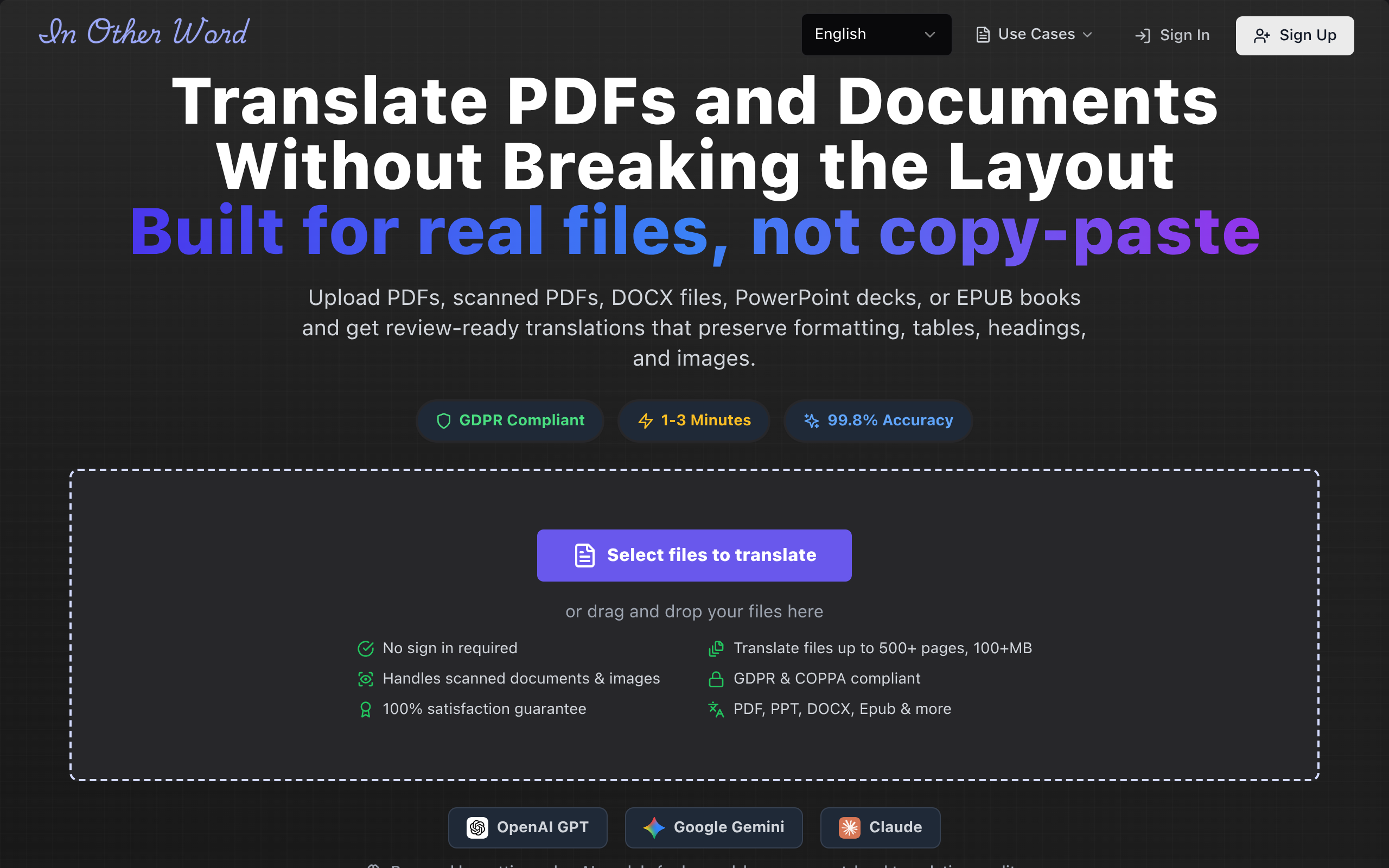
InOtherWord.AI is a document-focused AI platform for translating PDFs, scanned PDFs, DOCX files, PowerPoint presentations, and EPUB books while aiming to preserve formatting, layout, tables, and images. That makes it a practical candidate for teams that need a translated artifact rather than an API response. A legal operations team can use it for a contract set, a university can process papers, and a publisher or educator can prepare book or course files.
Scanned material introduces a separate OCR problem. If the source is image-only, begin with a representative sample and inspect recognition of seals, columns, handwriting, footnotes, and tables. Teams handling scanned material can use translate scanned PDFs; teams with born-digital PDFs may start with translate PDF documents. OCR accuracy controls translation accuracy, so a clean-looking output can still contain a wrong name or number.
Commercial and quality trade-offs
- Best for: nontechnical teams needing translated document files across common office, PDF, presentation, and ebook formats.
- Does not suit: organizations requiring a guaranteed human-certified legal translation or a deeply customized enterprise API workflow.
- Standout: document-oriented handling across files where layout, tables, and images matter.
The commercial model and current limits should be verified on the official [InOtherWord.AI site](https://inotherword.ai/) before purchase. Implementation is usually lighter than building a cloud pipeline, but it still requires file preparation, language selection, output inspection, and a review policy. For sensitive government or healthcare documents, procurement should ask about retention, access, and organizational requirements rather than assuming that AI translation alone satisfies them.
Comparison
The table separates a finished-file workflow from infrastructure and human services. “Layout responsibility” means who must make the translated artifact usable; it does not promise that any provider will preserve every complex design.
| Service | Primary category | Implementation burden | Commercial model to verify | Best practical use |
|---|---|---|---|---|
| Google Cloud Translation | Cloud API | High: engineering, storage, workflow, review | Usage-based cloud billing | Recurring automated translation in Google Cloud |
| Microsoft Azure AI Translator | Cloud API | High: Azure configuration and document workflow | Metered or account-based cloud pricing | Azure-governed enterprise processes |
| Amazon Translate | Cloud API | High: AWS pipeline and exception handling | Cloud consumption billing | Programmatic AWS translation jobs |
| SYSTRAN Translate | Specialist machine translation | Medium to high, depending on edition | Subscription, license, usage, or quote | Controlled machine translation programs |
| RWS Language Cloud | Enterprise language workflow | Medium to high: onboarding and governance | Quote-based software or services | Ongoing multilingual content operations |
| Gengo | Human translation service | Medium: brief, files, review, coordination | Project or word-based quote | Human translation where review matters |
| InOtherWord.AI | AI document platform | Low to medium: upload, configure, inspect | Current platform plan or usage terms | Translated PDFs, office files, presentations, and EPUBs |
Match the buyer need to the service type
| Buyer need | Service type to shortlist | Trade-off |
|---|---|---|
| One or several formatted files this week | Document-focused AI platform | Fast delivery, but complex pages and sensitive terminology still need review |
| Thousands of recurring files inside an application | Cloud API | Automation and control, but engineering and monitoring become your responsibility |
| Contracts, court documents, or regulated text | Human service or machine draft plus qualified review | Higher labor and coordination, with better control over consequential wording |
| Scanned archives | OCR-capable document workflow | OCR errors can propagate into translation and require page-level checking |
| Books or course materials | Document platform plus editorial or human review | Preserving layout is only part of the job; style, terminology, and proofreading matter |
How to choose and validate a service
Run a controlled pilot before moving a sensitive corpus. Use the same five to ten representative files with every shortlisted provider, and keep the source, language pair, glossary, and review instructions constant. Define success in observable terms:
- Content: names, figures, dates, citations, negations, and defined terms survive correctly.
- Structure: headings, tables, page breaks, footnotes, speaker notes, and reading order remain usable.
- OCR: scanned text, stamps, columns, and low-contrast pages are identified and checked.
- Operations: a nontechnical owner can submit, retrieve, version, and route files for review.
- Economics: total cost includes preparation, API integration, human review, desktop publishing, and rework.
Ask every vendor the same questions. This exposes whether a low apparent price simply transfers labor to your team.
- Which exact PDF, scanned PDF, DOCX, PowerPoint, and EPUB structures are supported today?
- What happens to tables, text boxes, footnotes, comments, tracked changes, images, and embedded fonts?
- Is OCR included, and how are uncertain recognitions surfaced for review?
- Can we supply a glossary or approved translations, and where are they applied?
- What is the current pricing unit: page, word, character, file, seat, usage tier, project, or quote?
- Who owns quality review, and what happens when a file fails or the output needs reconstruction?
- What are the retention, deletion, access, and export arrangements for confidential files?
- Can you show a representative output and document the limitations in writing?
Red flags include a demo using only clean digital text, vague answers about scanned pages, a price that excludes file repair, claims of perfect accuracy, and no way to export or audit the final version. For legal, healthcare, and government work, require an approval record showing who reviewed the translation and which source version was used. For publishers and educators, add a visual proofing pass because a grammatically sound translation can still break page flow.
Recommended starting policy for 2026 buyers
Choose the lightest category that meets the risk and repeatability of the job. A one-off formatted file should not trigger an expensive API build. A recurring archive should not depend on manual uploads forever. A court submission should not rely on an unreviewed machine output simply because it preserved the page design.
- Start with a document platform when file handling and layout are the main obstacles.
- Choose an API when volume, integration, and automation justify engineering ownership.
- Add human review when a mistranslated term could change legal meaning, clinical instruction, public policy, or published reputation.
- Reject the shortlist if the vendor cannot demonstrate your actual file types and explain the remaining manual work.
InOtherWord.AI is worth evaluating when the job is to turn PDFs, scanned PDFs, DOCX files, PowerPoint presentations, or EPUB books into translated documents while retaining useful formatting and structure. Review the output against your own files and risk policy at InOtherWord.AI rather than treating any AI service as a substitute for qualified review.
Authored with NotFair SEO
Related guides
Keep researching the right workflow
These pages help move from general document-translation research into the specific file format or workflow you need.
A practical workflow for translating scanned PDFs with OCR while preserving enough structure for real review, sharing, and downstream editing.
Explore pageHow to translate PPT and PPTX decks without breaking slide layouts, charts, and speaker-ready formatting.
Explore pageThe best AI PDF translator is not just about language quality. It also needs OCR, layout preservation, and reviewable output for real files.
Explore pageCommercial pages
Ready to translate the actual file?
Jump from the guide into the product page that fits your document type, then continue into pricing when you are ready.
Format page
Translate PDF Documents
Translate PDF files while preserving layout, tables, and page structure.
Explore pageFormat page
Translate Scanned PDFs
OCR and translate scanned PDFs without rebuilding the layout by hand.
Explore pageFormat page
Translate PowerPoint Presentations
Translate PPT and PPTX decks while preserving slide layouts, tables, and speaker-ready formatting.
Explore pageTranslate layout-heavy PDF reports, manuals, forms, and client-ready files while keeping tables, headings, and images readable.
Explore page