7 Academic Translation Services Compared for Papers, PDFs, and Research Teams in 2026
Published Tue Aug 11 2026 | 15 min read
Compare 7 academic translation services for papers, PDFs, and research teams by quality control, formats, implementation effort, pricing, and fit.
Academic translation services are not interchangeable. A graduate student translating a 12-page literature review needs a different workflow from a university team localizing thousands of research records, and neither should automatically choose the same product as a publisher handling figures, references, and submission deadlines.
This 2026 comparison is for students, researchers, laboratories, international offices, publishers, and businesses that need multilingual academic or technical documents. It evaluates each option using five practical criteria: translation mechanism (AI, human, or hybrid), document and file handling, review controls, implementation burden, and commercial model. “Best” therefore means best for a defined job, not a universal quality ranking.
Before choosing, separate two tasks that are often confused: translating the words and preserving the document. A plain-text engine may be adequate for an abstract, while a thesis with equations, tables, citations, and scanned appendices requires a file-aware workflow. If your immediate task is to translate PDF documents, translate PDF documents helps you compare a PDF translation workflow for preserving formatting, tables, and images before you commit to an academic production process.
1. DeepL
Where it fits
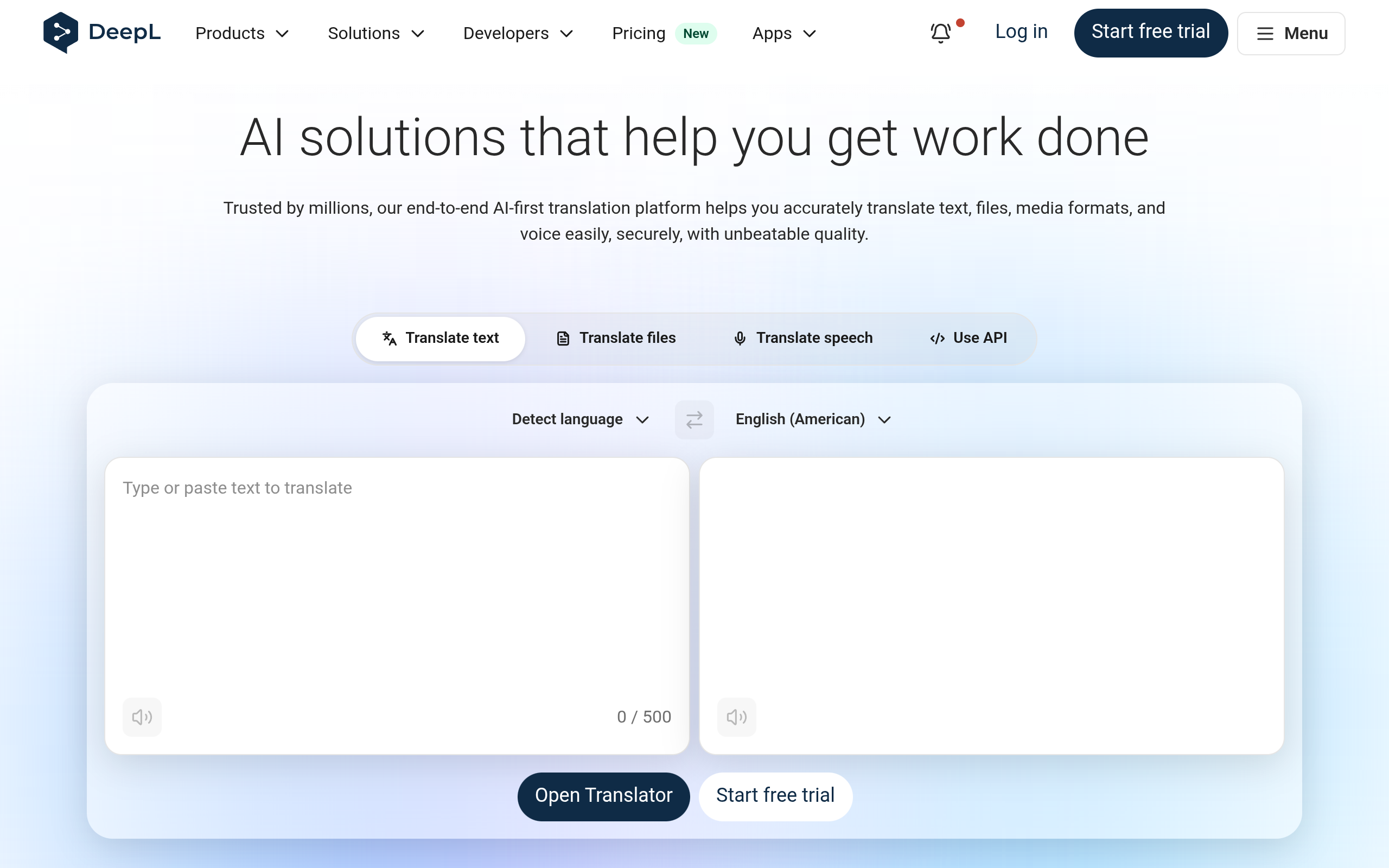
DeepL is a strong starting point for researchers who want fast machine translation of prose and need a polished first draft before human revision. Its official product information describes translation for text and files, while its developer documentation covers API-based integration and usage controls; those are useful distinctions when moving from one manuscript to a repeatable departmental workflow. See the official DeepL Pro page and DeepL API documentation for current capabilities.
The practical mechanism is simple: upload or paste source material, select the target language, then inspect terminology and formatting. For an English-to-German research summary, this can produce a workable draft quickly. It is less suitable as the only control layer for a paper where a mistranslated methodological qualifier changes the claim. Scientific terms, abbreviations, proper nouns, and citation text still need a subject-aware reviewer.
- Best for: Researchers needing a fast draft of articles, abstracts, correspondence, or office documents.
- Does not suit: Teams that require guaranteed human certification without arranging a separate review process.
- Standout: A low-friction workflow for testing terminology before paying for extensive human editing.
Implementation and commercial model
Implementation burden is low for individual users and moderate for teams. A researcher can begin in a browser, but a lab should establish rules for confidential material, approved terminology, file naming, and who checks the output. API use adds developer work, authentication, quota management, error handling, and a process for storing source and translated versions.
DeepL offers subscription and API-based commercial routes, but pricing and included limits vary by plan and may change. Verify current pricing on the official pricing or account page rather than treating an old comparison as authoritative. The main poor fit is a publisher that needs managed human linguists, formal quality assurance, or a full translation memory environment rather than machine output alone.
2. Google Translate
Where it fits
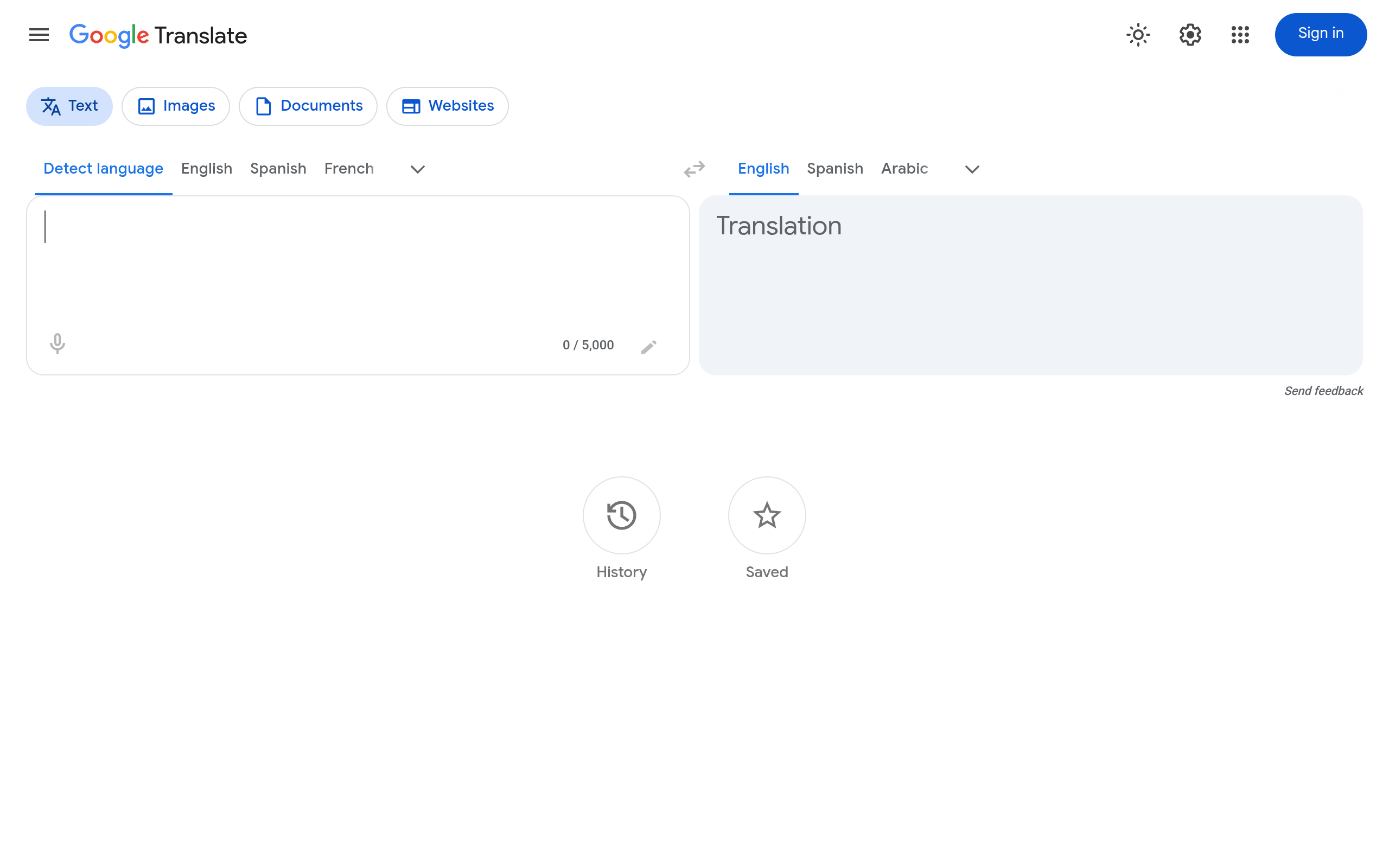
Google Translate is the most accessible option on this list for a quick meaning check, short passage, email, or preliminary reading of a foreign-language source. Its official help documentation distinguishes text, image, document, and website translation workflows, so the correct choice depends on whether the input is selectable text or a visually complex file. The current feature boundaries should be checked in Google’s official Translate Help.
Its main advantage is reach and speed, not a built-in academic review chain. A researcher can translate a paragraph to decide whether a paper is relevant, then return to the original for quotations and interpretation. That is a sensible use. Submitting an unreviewed machine translation as a certified thesis, consent form, or publication-ready manuscript is not.
- Best for: Triage, reading assistance, short snippets, and deciding which sources deserve deeper translation.
- Does not suit: High-stakes documents where terminology, confidentiality, or legal accountability requires controlled review.
- Standout: Immediate access with almost no setup for exploratory research.
Implementation and commercial model
Implementation burden is minimal for casual use. A department would need to add its own safeguards: remove unnecessary personal data, preserve the original, record the language direction, and require a bilingual reviewer for claims, quotations, and technical terms. Scanned pages may also need OCR before a translation engine can interpret them reliably.
The consumer product is generally positioned as a free-access utility, while Google Cloud Translation is a separate developer service with usage-based commercial terms. The official Cloud Translation overview explains the API-oriented product and should be used to verify current pricing, quotas, supported features, and implementation requirements. Google Translate is a poor fit when the buyer needs a named human translator, tracked revisions, or a managed project manager.
3. Microsoft Translator
Where it fits
Microsoft Translator suits organizations already working in Microsoft-oriented environments and developers who need translation embedded in an application or workflow. Microsoft presents Translator as an Azure AI service, which means the decision is less about a consumer webpage and more about authentication, API calls, data handling, and application ownership. The official Azure AI Translator page is the appropriate source for the current service description.
For example, an international research office could connect a translation step to an intake form, route the output to a reviewer, and retain the source alongside the translated version. That is more scalable than asking staff to copy and paste every paragraph. It also creates more responsibility: an API integration can distribute an error just as efficiently as it distributes a correct translation.
- Best for: Developers and institutions that need machine translation inside a controlled software workflow.
- Does not suit: A student who wants a finished, human-reviewed paper without technical setup.
- Standout: Integration potential for applications, portals, and repeatable institutional processes.
Implementation and commercial model
Implementation burden is moderate to high compared with browser tools. Someone must select the service configuration, protect credentials, handle rate limits and failures, log requests appropriately, and design a human-review path. A useful starting policy is to keep the original text immutable and require a reviewer to approve any sentence containing a numerical result, negation, safety instruction, or statistical interpretation.
Azure services typically use a commercial, usage-based model, but current pricing must be verified in Microsoft’s official pricing materials because region, service tier, and consumption affect the bill. Translator is a poor fit when the project has no developer, has irregular one-off files, or needs formatting-preserving document production rather than an API response.
4. Smartcat
Where it fits
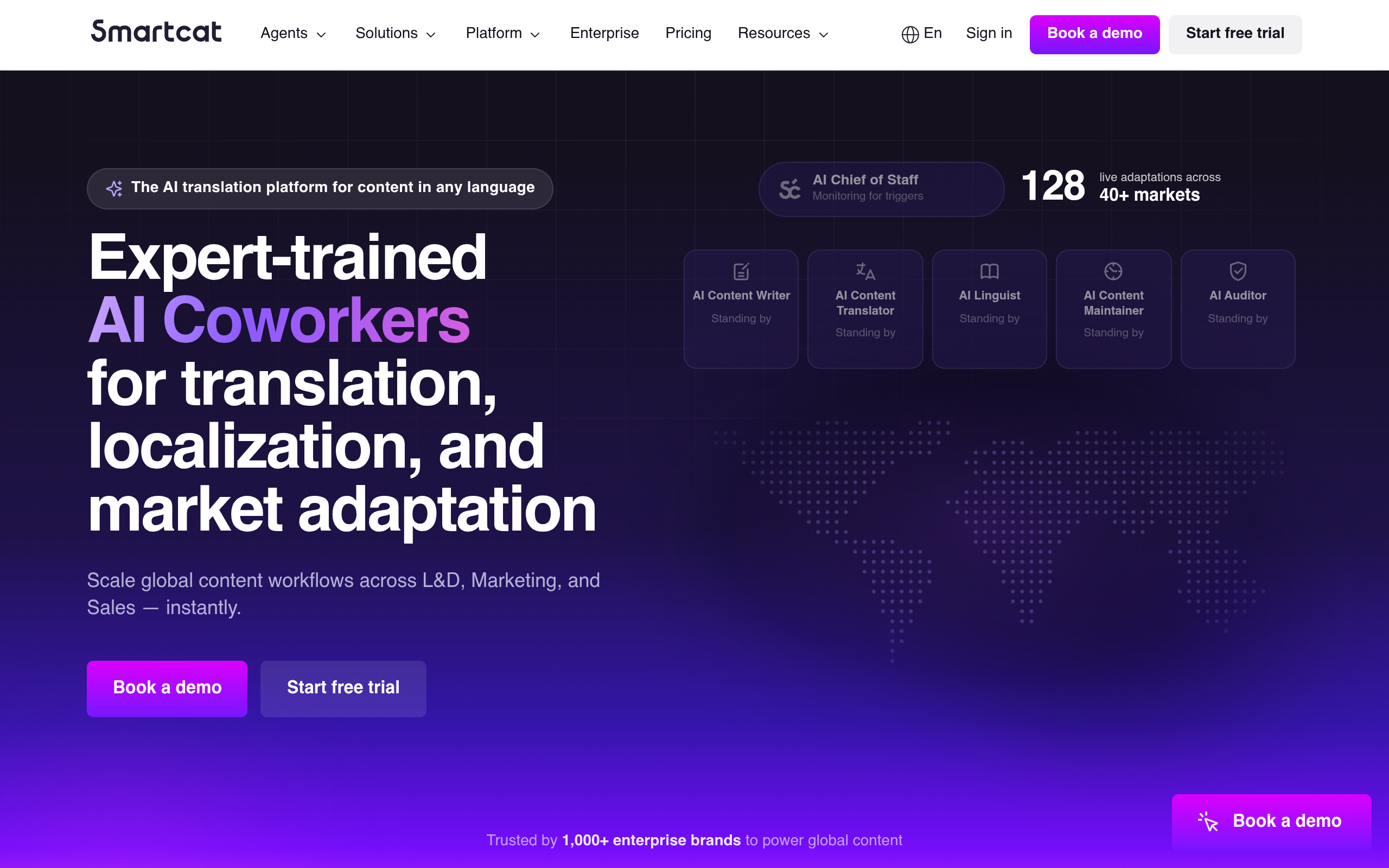
Smartcat is aimed at teams managing translation projects rather than individuals checking one sentence. Its official translation platform page describes a workspace that combines machine translation, human linguists, terminology, and workflow management. Review the Smartcat translation platform page for the current product scope instead of assuming that every plan includes every feature.
The important mechanism is orchestration. A research group can import a document, assign language work, provide a glossary, route segments for review, and maintain a reusable translation memory where the plan supports those functions. That is valuable when a grant program, institution name, instrument label, or recurring technical phrase must remain consistent across many files.
- Best for: Research offices, publishers, and multilingual teams coordinating repeated document work.
- Does not suit: A one-off reader who needs only a quick translation and has no project-management requirement.
- Standout: The ability to turn translation into a reviewable process rather than a single opaque output.
Implementation and commercial model
Implementation burden is moderate. A team must define roles, create a terminology list, decide who approves linguistic changes, and train contributors on segment status and comments. The benefit appears only when the organization uses those controls consistently; otherwise, the platform can become an expensive place to store unmanaged drafts.
Smartcat uses a commercial platform model with plan and service variables, including the possibility of purchasing or coordinating human translation. Verify current pricing, included seats, language services, and file limits on the official site before budgeting. It does not suit teams that cannot assign a reviewer or maintain terminology, nor buyers who expect a simple flat-fee translation without configuring a workflow.
5. Gengo
Where it fits
Gengo is a human-translation marketplace and service for customers who want to submit text or documents and receive work from professional translators. Its official site describes translation services and ordering routes, but the exact available language, content, turnaround, and review options should be confirmed for the specific project. Start with Gengo’s official translation services page.
Gengo can make sense for a cover letter, researcher biography, website copy, or general academic material where a human translation is preferable but a large publisher-style vendor process would be excessive. The buyer should still provide context: field, audience, desired variant of the language, spelling convention, glossary, and whether citations or quotations must remain untouched.
Quality and boundary conditions
The central trade-off is marketplace efficiency versus specialist continuity. A general translator may handle clear prose well but be a poor choice for a paper involving clinical endpoints, econometric terminology, chemical nomenclature, or a densely referenced theoretical framework. Ask how the order is reviewed and whether the available service matches the document’s subject area.
- Best for: Buyers who want human translation for relatively self-contained documents.
- Does not suit: Highly specialized manuscripts requiring a named subject-matter linguist and extensive author consultation.
- Standout: A straightforward route to ordering human translation without building an internal linguist network.
Implementation and commercial model
Implementation burden is low to moderate: prepare the file, brief the translator, review the result, and request corrections where the order terms allow. The buyer remains responsible for checking names, references, equations, tables, and field-specific claims. A clean source file reduces avoidable formatting and segmentation problems.
Gengo’s commercial model is order-based, with the current quote depending on the language pair, content, volume, and selected service. Request or verify the live price on the official ordering flow rather than using a generic per-word estimate. Gengo is a poor fit for institutions needing deep translation-memory administration, custom API ownership, or a long-term editorial team assigned to one publication program.
6. RWS Language Weaver
Where it fits
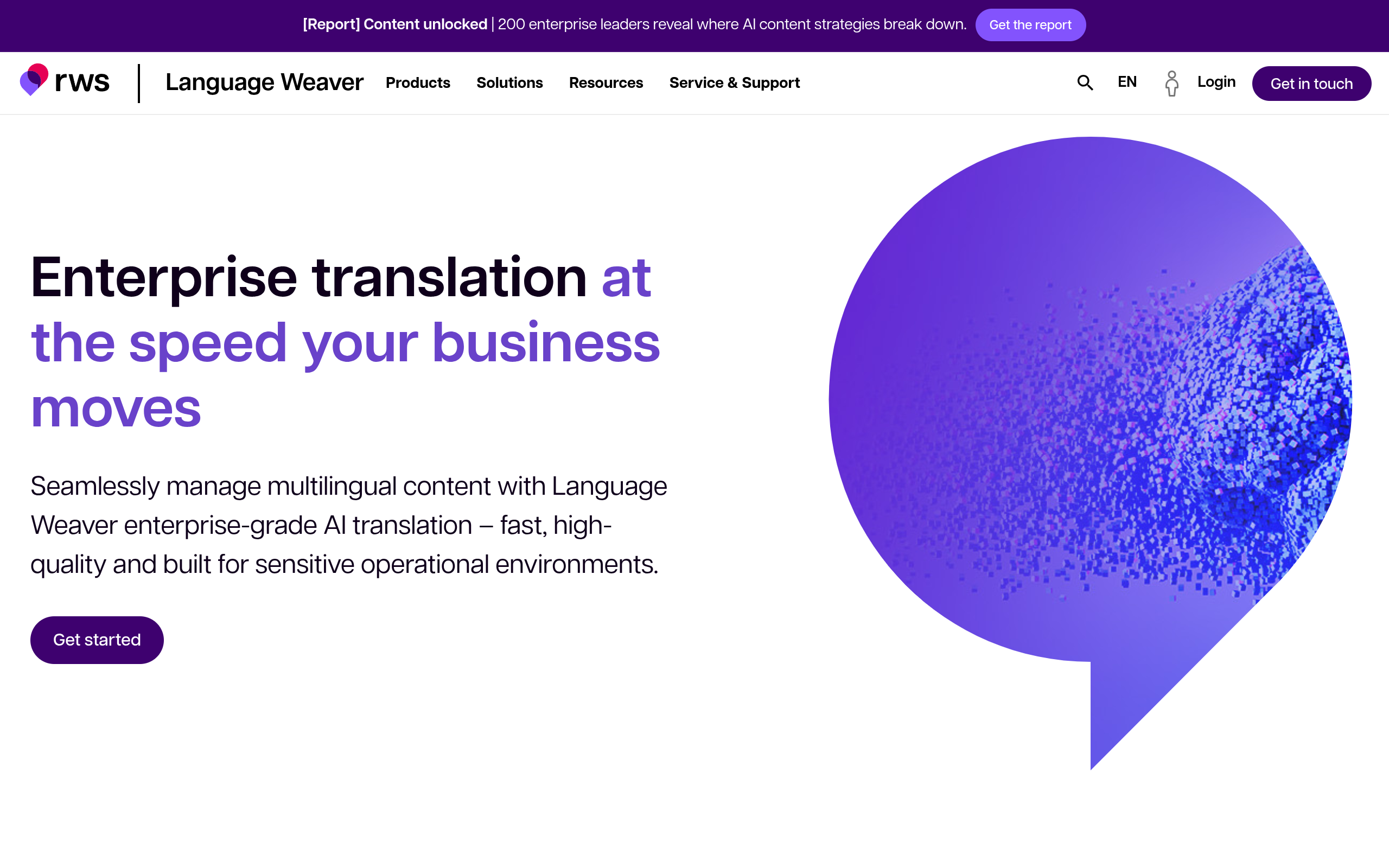
RWS Language Weaver is an enterprise-oriented machine translation product associated with RWS, a major language-services company. It is relevant when a corporation, publisher, or institution needs controlled machine translation at organizational scale rather than an informal browser tool. The official Language Weaver page is the source to consult for the current platform and deployment description.
The decision mechanism is governance. Large organizations may care about language models, access controls, integration, terminology, and the ability to place human post-editing around machine output. A multilingual research archive, for example, may use machine translation for discovery while reserving expert review for public-facing summaries and regulated material.
- Best for: Enterprise buyers planning repeatable machine-translation operations and governance.
- Does not suit: Students or small teams with occasional documents and no procurement or integration capacity.
- Standout: An enterprise language-technology orientation rather than a consumer translation experience.
Implementation and commercial model
Implementation burden is high relative to the browser products in this list. Procurement, security review, user provisioning, integration design, terminology planning, and post-editing policy may all be required. The buyer should define which content may be machine translated, which requires approval, and how corrected segments are fed back into future work.
Language Weaver is sold through enterprise-oriented commercial arrangements, and public pricing may not describe the final quote. Verify current pricing and deployment terms directly with RWS, including language coverage, volume assumptions, support, and any human post-editing service. It is a poor fit for a one-time dissertation or a researcher who needs immediate self-service file translation.
7. DocHero
Where it fits
DocHero AI provides AI-assisted academic and business writing tools, including document translation, text rephrasing, grammar improvement, summarization, and writing support. That combination makes it relevant when translation is only one stage of the assignment: a researcher may translate a draft, improve awkward grammar, and rephrase repetitive passages before a human checks the academic meaning. The official DocHero site provides the product context, while its AI论文翻译工具 is the more specific route for an academic translation workflow.
The important distinction is task continuity. A student working between Chinese and English may not need a separate translation product and rephrasing product for every revision. However, convenience must not replace scholarly responsibility. Preserve quotations, references, data labels, and the author’s intended level of certainty; then compare the translated draft with the source before submission.
- Best for: Students and researchers who need translation alongside rephrasing, grammar improvement, or summarization.
- Does not suit: Certified translations, legally accountable submissions, or specialist publication work requiring an assigned human linguist.
- Standout: A combined writing-and-translation workflow for iterative academic drafting.
Implementation and commercial model
Implementation burden is low for an individual and moderate for a school or lab that wants a shared policy. A useful workflow is to keep three versions: the source, the AI-assisted draft, and the human-approved version. Mark terminology that must remain unchanged, and do not let a rephrasing pass silently alter a limitation, sample description, or causal claim.
DocHero’s commercial terms and available limits should be checked on the current official product or account pages; do not infer pricing from an older article. DocHero is a poor fit when the buyer needs a formal certificate, a guaranteed specialist translator, or a procurement framework with contractual service levels. It is better understood as an accessible AI writing and translation assistant than as a replacement for every professional language-service engagement.
Comparison
The table uses the same decision dimensions for all seven options. “Human layer” means the product or service can involve human translation or review; it does not mean every order or plan automatically includes a subject-matter expert. Always confirm current terms, file limits, privacy conditions, and language coverage before uploading a sensitive manuscript.
| Entity | Primary mechanism | Document and workflow fit | Implementation burden | Commercial model |
|---|---|---|---|---|
| DeepL | AI machine translation | Text and common files; useful for individual drafts | Low for browser use; moderate for API workflows | Subscription and API options; verify current limits and pricing |
| Google Translate | AI machine translation | Fast text, document, image, and web lookup | Very low for casual use; higher through Google Cloud | Consumer access plus separate cloud usage model |
| Microsoft Translator | AI machine translation through Azure | Best when embedded in an institutional application | Moderate to high because development is usually required | Azure commercial, usage-based model; verify current terms |
| Smartcat | AI plus human workflow orchestration | Projects, terminology, review, and recurring team work | Moderate; roles and process design matter | Platform and language-service variables; verify current pricing |
| Gengo | Human translation service | Self-contained documents and ordered translation work | Low to moderate; briefing and review remain important | Order-based quote depending on project details |
| RWS Language Weaver | Enterprise machine translation | Governed, integrated organizational workflows | High; procurement and integration are likely | Enterprise arrangements; request current terms |
| DocHero | AI translation plus academic writing assistance | Iterative student and researcher drafting | Low for individuals; moderate for shared policies | Current product plans and limits require verification |
How to Choose Academic Translation Services for Your Document
Match the risk to the review layer
Start with the consequence of an error, not the apparent price of the tool. A translated reading note has a low consequence: you can check it against the original. A consent form, clinical protocol, funding agreement, or paper’s central result has a high consequence. The latter needs a documented bilingual review, and possibly a qualified human translation service.
- Low-risk discovery: Use a browser translator to decide whether a source is relevant, while keeping quotations in the original language.
- Working draft: Use an AI tool for a first pass, then create a terminology list for names, methods, measures, and recurring concepts.
- Publication preparation: Add a bilingual subject reviewer who checks claims, hedging, references, tables, and discipline-specific usage.
- Formal or regulated use: Ask the receiving institution what certification, translator qualification, or approval record it requires before ordering.
Choose by file, not just language pair
Ask what will happen to the actual source file. A DOCX with headings and tables is different from a scanned PDF, and both differ from a slide deck containing text embedded in images. Check whether the workflow preserves footnotes, equations, captions, tracked changes, hyperlinks, and references. If the tool extracts only plain text, budget time for reconstruction and visual comparison.
For a PDF research paper, a practical acceptance test is to inspect the title page, one dense table, one figure caption, a page with footnotes, and the references. Formatting preservation is a quality requirement, not decoration: a shifted minus sign, missing superscript, or detached table label can alter interpretation even when the sentences look fluent.
Use a small pilot with falsifiable checks
Do not approve a platform because its sample paragraph sounds good. Select a representative excerpt containing the hardest elements in your corpus: abbreviations, passive constructions, statistical notation, proper names, and a sentence with a carefully qualified conclusion. Compare the output against a human reference or bilingual reviewer’s corrections.
- Terminology check: Are the same technical terms translated consistently across the excerpt?
- Meaning check: Are negation, uncertainty, comparison, and causal limits preserved?
- File check: Do tables, images, citations, and page structure survive the workflow?
- Review check: Can a person see, discuss, and approve changes rather than silently replacing text?
- Cost check: Can the team estimate the real cost including editing, reconstruction, and administration?
For an illustrative starting policy, a department might pilot one representative document before adopting a tool for a full program. That is a decision aid, not a universal threshold. The pilot should produce a written go/no-go rule, such as “use AI for discovery and drafts, but require bilingual review for every public-facing result.”
Make the commercial model fit the workload
Occasional users should avoid paying enterprise overhead for a few pages. A recurring team should avoid rebuilding the same glossary and review process in a consumer tool every month. Human services make more sense when the cost of an error or internal review exceeds the translation fee; API products make more sense when repeated volume justifies technical ownership; integrated writing tools make more sense when translation and revision happen together.
The most defensible recommendation is therefore conditional: choose Google Translate for low-risk discovery, DeepL for a quick polished machine draft, Microsoft Translator for application integration, Smartcat for managed multilingual projects, Gengo for straightforward human orders, RWS Language Weaver for enterprise governance, and DocHero when academic translation is part of a broader drafting and language-improvement workflow.
For researchers who need both translation and revision in one working session, DocHero’s AI学术润色工具 can be considered alongside the translation options above, provided a human checks the final academic meaning. When the job is a formal, certified, or highly specialized translation, choose the service whose review and accountability model matches the document’s risk—not simply the one with the fastest first draft.
If your workflow combines academic translation with clearer drafting, grammar improvement, or document support, Dochero is a reasonable place to review the available tools before deciding whether you need a separate human translation engagement.
Authored with NotFair SEO
Related guides
Keep researching the right workflow
These pages help move from general document-translation research into the specific file format or workflow you need.
A practical workflow for translating scanned PDFs with OCR while preserving enough structure for real review, sharing, and downstream editing.
Explore pageHow to translate PPT and PPTX decks without breaking slide layouts, charts, and speaker-ready formatting.
Explore pageThe best AI PDF translator is not just about language quality. It also needs OCR, layout preservation, and reviewable output for real files.
Explore pageCommercial pages
Ready to translate the actual file?
Jump from the guide into the product page that fits your document type, then continue into pricing when you are ready.
Format page
Translate PDF Documents
Translate PDF files while preserving layout, tables, and page structure.
Explore pageFormat page
Translate Scanned PDFs
OCR and translate scanned PDFs without rebuilding the layout by hand.
Explore pageFormat page
Translate PowerPoint Presentations
Translate PPT and PPTX decks while preserving slide layouts, tables, and speaker-ready formatting.
Explore pageTranslate layout-heavy PDF reports, manuals, forms, and client-ready files while keeping tables, headings, and images readable.
Explore page