Spanish Document Translation Service: A 2026 Resource Guide for Review-Ready Files
Published Mon Aug 10 2026 | 12 min read
Choose a Spanish document translation service for PDFs, scans, DOCX, and slides with better OCR, formatting, terminology, privacy, and review controls.
Choosing a Spanish document translation service is not the same as translating a paragraph in a browser. A law firm may need a searchable Spanish version of a scanned contract; a university may need a bilingual dissertation with citations intact; a healthcare team may need a patient handout that preserves warnings, tables, and dosage instructions. The job is to produce a document people can review, publish, file, or distribute without rebuilding it from scratch.
This guide focuses on the resources and decisions that make that outcome more predictable in 2026: source-file preparation, OCR, machine translation, terminology, formatting checks, human review, and privacy. It is written for teams comparing a specialist platform with general translation tools, online document converters, or a traditional agency—not for someone translating a two-line email.
1. Source-file and OCR resources for Spanish document translation
Start by identifying what is actually inside the file. A DOCX with selectable text is a different production problem from a 200-page scanned PDF, even if both look like ordinary documents on screen. Before requesting a quote or uploading material, record the file type, page count, language mix, and whether the text can be selected and copied.
Use a document inventory, not a filename
Create a short inventory for every batch. Include:
- File structure: PDF, scanned PDF, DOCX, PPTX, EPUB, or image-only pages.
- Text condition: selectable, partially selectable, handwritten, rotated, low contrast, or embedded in charts.
- Layout risk: tables, footnotes, columns, stamps, signatures, formulas, captions, and text inside images.
- Delivery requirement: editable DOCX, searchable PDF, print-ready PDF, slide deck, EPUB, or bilingual reference file.
This inventory changes the workflow and the price. A 40-page legal brief with clean DOCX text may be straightforward. A 40-page court filing scanned at an angle may require OCR correction, page-level inspection, and more human review. The second file can take longer despite having the same page count.
Choose OCR based on the scan, not the marketing label
OCR should be treated as a text-recovery stage, not as translation. It can confuse “rn” with “m,” lose accents, join two columns, or read a seal as body text. Spanish adds its own verification points: inverted question and exclamation marks, accented vowels, ñ, dates, names, and legal citations.
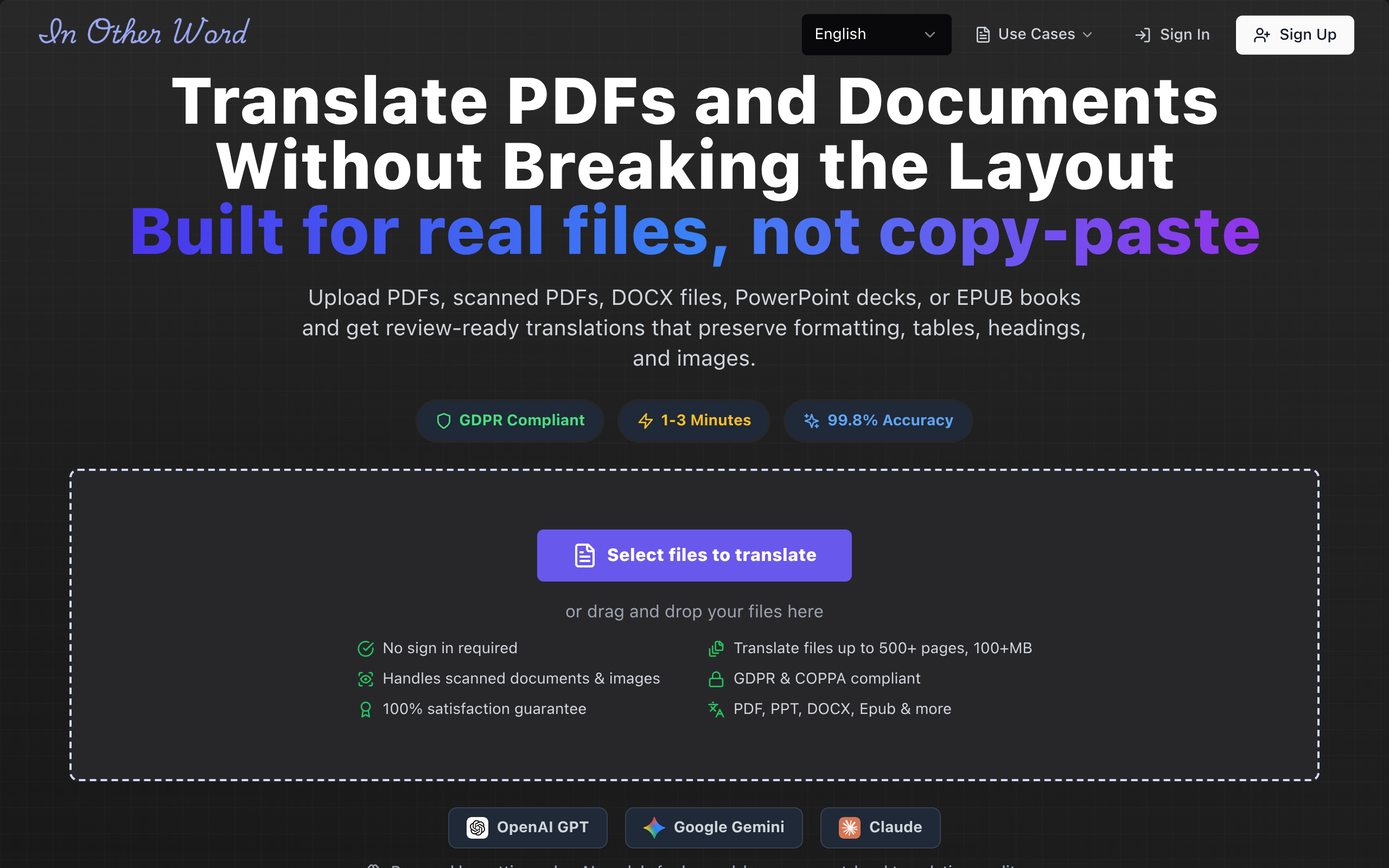
For a scanned contract, open the OCR output before translation and inspect at least five representative pages: the first page, a dense page, a table page, a page with a signature or stamp, and the final page. If recognition is poor on those samples, improve the scan or plan for manual correction before translation. Tools such as PDF translation tool can be useful when the deliverable must combine OCR, translation, and formatting preservation, but the output still needs an acceptance check.
For high-stakes records, preserve the original scan as the source of truth. Deliver the translated searchable PDF separately and keep a page reference between the two. In a medical or legal workflow, that simple practice makes it easier for a reviewer to locate the source wording when a number or name looks questionable.
2. Spanish language and terminology resources
“Spanish” is not a complete language specification for professional work. A public-health agency in Mexico, a university in Spain, and a nonprofit serving Puerto Rico may prefer different terms, spelling conventions, date formats, and levels of formality. Ask the commissioning team to define the audience before translation begins.
Build a compact style brief
A useful brief can fit on one page. State:
- Target locale: Spain, Mexico, Argentina, Colombia, United States Spanish, or a neutral policy choice.
- Audience and register: formal legal, plain-language patient, academic, commercial, instructional, or pastoral.
- Non-translatable items: product names, case numbers, organization names, URLs, trademarks, and citation titles.
- Formatting rules: date, currency, decimal separator, measurement units, quotation marks, headings, and capitalization.
- Approved terminology: names for departments, diagnoses, legal concepts, academic qualifications, and recurring programs.
Terminology decisions are often more valuable than another round of general proofreading. For example, a university might require “programa de estudios” rather than “plan de estudios” for a specific administrative meaning. A healthcare organization may have an approved translation for “discharge,” while a court may distinguish “orden,” “auto,” and “resolución.” Those choices should live in a glossary, not in one translator’s memory.
Use a glossary and translation memory deliberately
A glossary is a controlled list of terms and approved equivalents. Translation memory is a repository of previously approved segments. They solve different problems. A glossary helps keep “beneficial owner” consistent in a compliance packet; translation memory can reuse a previously approved privacy notice.
Prepare a glossary with the source term, approved Spanish term, forbidden alternatives, context, and owner. Start with 20–50 terms for a small project rather than delaying work until a perfect database exists. Ask the translator or platform to flag terms that are ambiguous instead of silently choosing one.
Practical rule: If changing a term could alter a legal obligation, clinical instruction, eligibility decision, or brand promise, make it a controlled term before production.
Use official references for specialized language, but do not mistake a dictionary lookup for a localization decision. A bilingual legal team should approve legal terminology; a clinician should approve patient-facing instructions; an academic department should approve degree and institutional names. The best machine output cannot compensate for an undefined audience.
3. Translation-engine and privacy resources
Compare a Spanish document translation service by its handling of complete files, not only by the quality of a pasted sentence. Document translation must account for paragraphs, headings, tables, notes, text boxes, images, and page breaks. A fluent sentence can still produce an unusable deliverable if the translated text runs outside a slide or breaks a form.
Separate engine quality from document production
When evaluating a platform, test a representative sample that includes the hardest elements in your real work. Check whether it can:
- retain headings, tables, footnotes, and hyperlinks;
- translate text in a scanned PDF after OCR rather than ignoring it;
- preserve images while translating nearby captions or labels where required;
- return an editable file when your reviewers must make changes;
- show errors, unsupported elements, or low-confidence OCR rather than hiding them.
Cloud providers document different approaches to file translation. For example, Google Cloud’s document translation documentation describes supported document workflows and format considerations, while Microsoft’s 2026 Translator documentation explains its document translation service. These are useful technical references when an IT team is assessing an API, but a self-serve organization still needs to test the resulting files, permissions, and review process.
Ask concrete privacy questions
“Secure” is too vague to guide a procurement decision. Ask what happens to uploaded files, extracted text, translated output, logs, and backups. Confirm:
- Retention period: Is content deleted immediately, after a set number of days, or only when an administrator requests deletion?
- Training policy: Is customer content used to train a shared model, and can that use be disabled?
- Access controls: Are workspaces, download links, reviewer permissions, and audit logs available?
- Data location: Does the organization need a specific region or contractual data-processing terms?
- Subprocessors: Can procurement review the vendors that handle storage, OCR, or model inference?
For legal, healthcare, government, and education projects, involve the privacy or security owner before the first upload. Remove unnecessary personal data from a pilot. Do not send an entire case file merely to test whether a table survives translation. A five-page redacted sample usually reveals the important production risks.
4. Formatting, layout, and accessibility resources
Formatting preservation is a quality requirement, not decoration. Spanish text may expand or contract relative to English, which can alter pagination, table height, slide density, and form fields. A translated document that is linguistically accurate but visually broken creates downstream work for attorneys, researchers, communications staff, and publishers.
Use a page-level visual checklist
Review the translated file at 100% zoom and, for print work, as a PDF proof. Inspect:
- Overflow and clipping: text outside text boxes, hidden table rows, cut-off headers, and missing footnotes.
- Reading order: columns, captions, sidebars, forms, and screen-reader sequence.
- Numbers and symbols: dates, percentages, currency, decimals, units, page references, and equation notation.
- Navigation: bookmarks, internal links, table of contents entries, headings, and cross-references.
- Images and graphics: labels, legends, embedded screenshots, charts, and right-to-left or bidirectional text issues.
For presentations, run the deck in slideshow mode. Look for titles wrapping to a third line, speaker notes that remain untranslated, and legal disclaimers that become unreadably small. For EPUB, test on a phone and an e-reader because reflow can expose heading hierarchy and table problems that are invisible in a fixed PDF.
Measure quality with an acceptance table
Give reviewers a shared table instead of asking whether the translation “looks good.” A simple scoring model can distinguish serious defects from preferences:
| Check | Pass condition | Owner | Escalate when |
|---|---|---|---|
| Completeness | All visible and extractable source content has a Spanish counterpart | Project coordinator | A page, caption, note, or text box is missing |
| Terminology | Glossary terms and proper names match approved usage | Subject expert | A regulated or contractual term is inconsistent |
| Layout | No clipping, overlap, broken tables, or unreadable type | Document owner | Any defect changes meaning or usability |
| Numbers | Dates, amounts, measurements, and citations match the source | Second reviewer | A number differs or a decimal format is ambiguous |
Accessibility deserves its own review. For public-sector and education documents, check heading levels, alternative text, contrast, tagged PDF structure, and keyboard navigation where applicable. The Google Search Central guidance on localized versions is aimed at web pages rather than document production, but its core lesson is relevant: identify language and regional variations clearly instead of making systems guess. For downloadable files, use explicit filenames such as policy-es-MX-2026-03.pdf and label the language in the surrounding page.
5. Human review and risk-management resources
Human review should be assigned according to risk, not applied uniformly to every word. A marketing flyer may need a bilingual copy editor. A consent form, deposition exhibit, clinical instruction, or government notice may need a qualified reviewer who understands both the language and the subject.
Choose the right review model
- Light review: bilingual staff check names, headings, numbers, and obvious omissions for internal, low-risk material.
- Full linguistic review: a professional translator or editor checks meaning, tone, terminology, and natural Spanish throughout.
- Subject-matter review: a lawyer, clinician, researcher, or policy owner verifies specialized meaning after linguistic review.
- Independent verification: a second person compares high-risk passages against the source and records corrections.
Do not ask a subject expert to rewrite every sentence from scratch unless the project truly requires it. Their time is better spent reviewing flagged terms, numbers, obligations, warnings, and passages where a literal translation could mislead. Conversely, do not ask a general bilingual employee to certify a clinical or legal document merely because they speak Spanish at home.
Set thresholds before delivery
For a 100-page internal training manual, you might sample 10 pages, all tables, and all safety instructions. For a 12-page court exhibit, you may review every page. Record defects by severity:
- Critical: changed number, negation, dosage, obligation, party name, deadline, or eligibility condition.
- Major: missing paragraph, mistranslated technical term, broken table, or unusable form field.
- Minor: punctuation, spacing, preference, or nonessential style inconsistency.
Require zero unresolved critical defects. Set a documented tolerance for minor issues, such as fewer than three per 10 pages after final review, if that suits the project. The exact number is less important than agreeing on it before reviewers start, so a late preference does not become an endless approval cycle.
Keep an audit trail: source filename, translation date, engine or vendor, glossary version, reviewers, correction log, and final approved filename. Date the record in 2026 and retain the original alongside the deliverable when policy allows. That is particularly useful when a regulator, client, student, patient, or court later asks which version was supplied.
Putting these resources into a Spanish document translation workflow
A reliable workflow is a sequence of gates, not a single upload button. For most professional teams, the following seven steps balance speed with control:
- Define the deliverable. Specify locale, audience, file format, deadline, confidentiality level, and whether the result is for reference, publication, filing, or patient use.
- Audit the source. Inventory pages, text layers, images, tables, and difficult scans. Separate files with different risk profiles instead of averaging them together.
- Prepare terminology. Provide names, glossary terms, forbidden translations, date and currency rules, and any prior approved Spanish material.
- Run a controlled pilot. Translate three to five representative pages, including the hardest table or scan. Compare OCR, linguistic output, layout, and turnaround time.
- Process the full batch. Keep source and output filenames paired. Preserve originals, and use version numbers rather than overwriting approved files.
- Review by risk. Combine automated checks, page-level visual inspection, bilingual editing, and subject-matter review where the consequences justify it.
- Approve and archive. Resolve critical defects, record the glossary and review history, then deliver the correct language-labeled format.
Use the pilot to compare vendors or platforms on the same evidence. A practical scorecard might assign 30% to accuracy and terminology, 25% to layout preservation, 15% to OCR, 15% to privacy and administration, and 15% to cost and turnaround. Adjust those weights: a publisher may prioritize layout, while a court or hospital may prioritize reviewability and traceability.
For clean editable files, teams can often begin with a document translation workflow and then send the output to a bilingual reviewer. For image-only records, plan OCR correction first; resources that help you translate scanned PDFs are more relevant than a text-only translator. When the source is already a digital PDF and the goal is to preserve pages, tables, and graphics, a workflow to translate PDF documents can reduce manual reconstruction.
The recommendation for 2026 is straightforward: choose a service that demonstrates its result on your hardest five pages, supports your privacy requirements, accepts a real glossary, and returns a file your reviewers can inspect—not merely a fluent text block. InOtherWord.AI is worth evaluating when your team needs AI-assisted translation for PDFs, scanned PDFs, DOCX, PowerPoint, or EPUB while keeping formatting and review in the same document workflow; start with InOtherWord.AI and a representative, redacted sample.
Authored with NotFair SEO
Related guides
Keep researching the right workflow
These pages help move from general document-translation research into the specific file format or workflow you need.
A practical workflow for translating scanned PDFs with OCR while preserving enough structure for real review, sharing, and downstream editing.
Explore pageHow to translate PPT and PPTX decks without breaking slide layouts, charts, and speaker-ready formatting.
Explore pageThe best AI PDF translator is not just about language quality. It also needs OCR, layout preservation, and reviewable output for real files.
Explore pageCommercial pages
Ready to translate the actual file?
Jump from the guide into the product page that fits your document type, then continue into pricing when you are ready.
Format page
Translate PDF Documents
Translate PDF files while preserving layout, tables, and page structure.
Explore pageFormat page
Translate Scanned PDFs
OCR and translate scanned PDFs without rebuilding the layout by hand.
Explore pageFormat page
Translate PowerPoint Presentations
Translate PPT and PPTX decks while preserving slide layouts, tables, and speaker-ready formatting.
Explore pageTranslate layout-heavy PDF reports, manuals, forms, and client-ready files while keeping tables, headings, and images readable.
Explore page